01feature
Projects & Members
Organize issues, members, comments, and files under the correct project.
- Plan and maintain project records
Manage project categories, projects, members, issues, comments, attachments, change history, and calendar-based work views.

A collaboration system covering project categories, projects, members, issues, comments, attachments, change history, and calendar views for bugs, tasks, and other closed-loop workflows.
Organize issues, members, comments, and files under the correct project.
Issue history and collaboration records preserve how work moved through the process.
The same issue workflow can support tasks and other items requiring ownership and acceptance.
Designed around implemented workflows to reduce repeated work and coordination overhead.
Every YCPLANET product is designed to remove a real operational obstacle, then turn the improved process into a repeatable team capability.
Teams need a simpler, more reliable way to handle: Plan and maintain project records.
Organize issues, members, comments, and files under the correct project.
Teams need a simpler, more reliable way to handle: Create and assign issues or tasks.
Issue history and collaboration records preserve how work moved through the process.
Teams need a simpler, more reliable way to handle: Review comments, files, history, and calendar workload.
The same issue workflow can support tasks and other items requiring ownership and acceptance.
Implementation covers requirements, environment preparation, data initialization, onboarding, and acceptance—not merely a login URL.
Define roles, scenarios, data sources, permissions, and measurable success criteria.
Set up organizations, accounts, master data, and rules; clean and validate historical data before import.
Pilot with a representative team, measure outcomes, resolve adoption issues, and expand progressively.
Access can be planned by organization and role. Sensitive data should follow least-privilege, data-minimization, and periodic-review principles. Enterprise customers can further assess dedicated environments, backups, and auditing.
AI output supports research and operations but does not replace legal, medical, or financial judgment. Features, capacity, retention, and integrations depend on the selected edition and confirmed delivery scope.
Value comes from a faster, clearer, and continuously improvable workflow—not from a longer feature list.
Organize issues, members, comments, and files under the correct project.
Issue history and collaboration records preserve how work moved through the process.
The same issue workflow can support tasks and other items requiring ownership and acceptance.
Set categories, project details, and participating members.
Describe the issue, add context or files, and assign responsibility.
Use comments and status history until the item is reviewed and completed.
No. The project and issue model can also support tasks and other closed-loop work items.
It includes issue comments, project and issue attachments, and issue history.
Yes. It includes a project calendar for organizing time-related work.
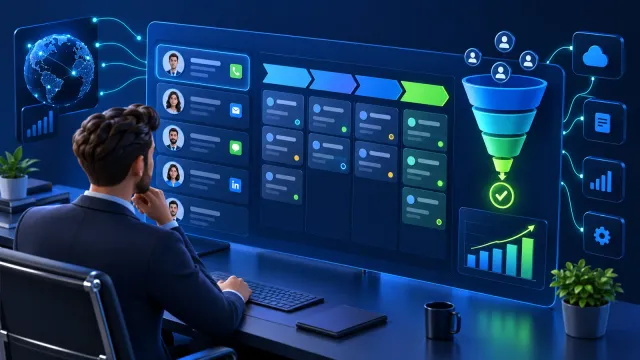
Manage clue pools, routing rules, customers, contacts, follow-up records, attachments, orders, and notifications in one sales collaboration flow.

Preview GLB and GLTF models in a modern browser with rotation, zoom, material inspection, and screenshot-oriented review workflows.

A web administration system for stores, operators, customers, vehicles, goods, products, suppliers, service orders, billing, balances, payments, and configuration.
Tell us about your team, current process, and goals for a product or implementation recommendation.