01feature
AI Image Generation
Keep image generation, 3D tasks, history, and assets in a connected workspace.
- Generate concept images from text prompts
A creation workspace for AI image generation, image-to-3D tasks, task progress, result previews, generation history, and reusable assets.
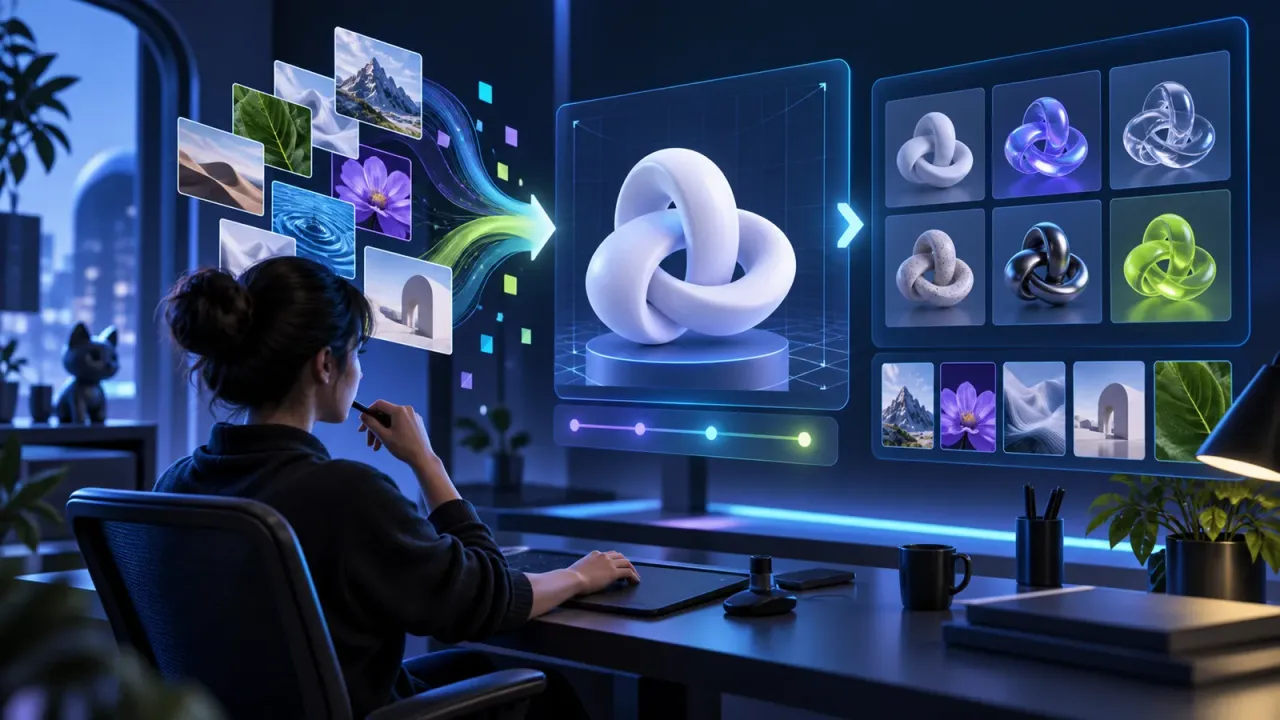
A workspace for AI image generation, image-to-3D tasks, generation history, previews, and reusable asset management. Generated content is intended for creative design and visual communication.
Keep image generation, 3D tasks, history, and assets in a connected workspace.
Track asynchronous generation tasks and review completed or failed results.
Retain selected results in an asset library for later design and presentation work.
Designed around implemented workflows to reduce repeated work and coordination overhead.
Every YCPLANET product is designed to remove a real operational obstacle, then turn the improved process into a repeatable team capability.
Teams need a simpler, more reliable way to handle: Generate concept images from text prompts.
Keep image generation, 3D tasks, history, and assets in a connected workspace.
Teams need a simpler, more reliable way to handle: Continue selected images into image-to-3D tasks.
Track asynchronous generation tasks and review completed or failed results.
Teams need a simpler, more reliable way to handle: Review task history and reuse generated assets.
Retain selected results in an asset library for later design and presentation work.
Implementation covers requirements, environment preparation, data initialization, onboarding, and acceptance—not merely a login URL.
Define roles, scenarios, data sources, permissions, and measurable success criteria.
Set up organizations, accounts, master data, and rules; clean and validate historical data before import.
Pilot with a representative team, measure outcomes, resolve adoption issues, and expand progressively.
Access can be planned by organization and role. Sensitive data should follow least-privilege, data-minimization, and periodic-review principles. Enterprise customers can further assess dedicated environments, backups, and auditing.
AI output supports research and operations but does not replace legal, medical, or financial judgment. Features, capacity, retention, and integrations depend on the selected edition and confirmed delivery scope.
Value comes from a faster, clearer, and continuously improvable workflow—not from a longer feature list.
Keep image generation, 3D tasks, history, and assets in a connected workspace.
Track asynchronous generation tasks and review completed or failed results.
Retain selected results in an asset library for later design and presentation work.
Choose the generation mode and provide prompts, references, and available parameters.
Submit the task and follow its queued, processing, completed, or failed state.
Preview outputs and continue suitable assets into downstream image or 3D work.
The current workspace contains AI image generation and image-to-3D related flows, with task and asset management.
No. Generated visuals are for creation, communication, and presentation and do not replace professional medical judgment.
Tasks are asynchronous. Duration depends on the selected provider, queue, parameters, and upstream service availability.
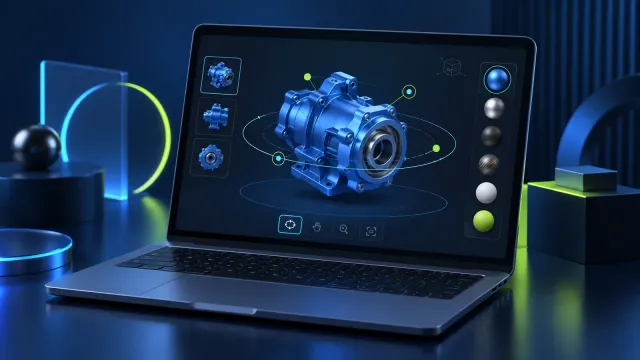
Preview GLB and GLTF models in a modern browser with rotation, zoom, material inspection, and screenshot-oriented review workflows.
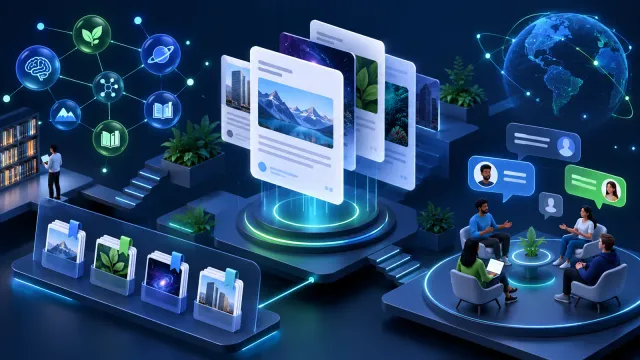
A community system with articles, questions, answers, comments, messages, friends, resources, topic scopes, user actions, and moderation-related workflows.
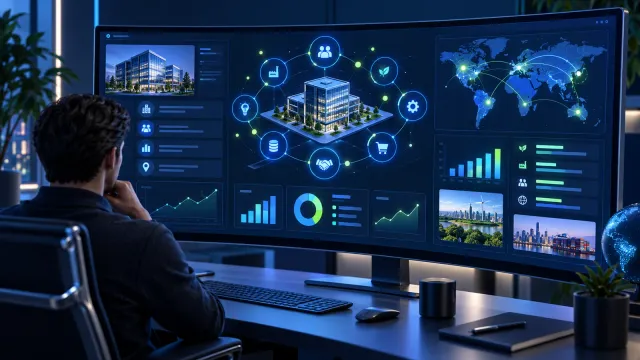
Research a company from public and accessible web sources and organize findings into a structured profile with source clues for further verification.
Tell us about your team, current process, and goals for a product or implementation recommendation.